Table of Contents
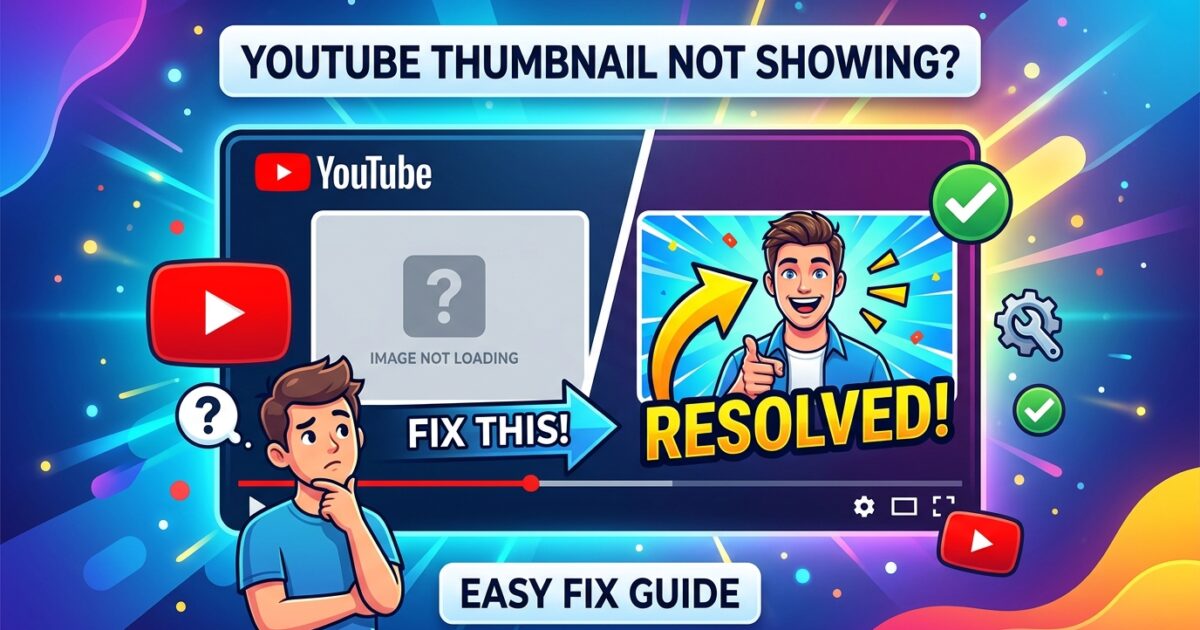
A missing YouTube thumbnail can instantly damage a video’s performance.
Sometimes the thumbnail appears as a black screen. In other situations, viewers only see a blank placeholder, a blurry image, or an old thumbnail that refuses to update. For creators, this becomes frustrating because thumbnails directly affect click-through rate and viewer engagement.
The problem has become more common in recent years as YouTube expanded Shorts, mobile optimization, smart previews, and automatic compression systems.
The good news is that most thumbnail problems are fixable.
In many cases, the issue is caused by browser cache, image formatting, YouTube processing delays, or temporary platform-side bugs rather than anything seriously wrong with the channel itself.
This guide explains the most common reasons YouTube thumbnails fail to appear and how creators can solve them properly without relying on random outdated tricks.
Why YouTube Thumbnails Sometimes Disappear
YouTube processes billions of images across videos, Shorts, recommendations, search pages, and smart TVs.
Because of this scale, thumbnails occasionally fail to load correctly.
The issue may appear in several ways:
- Thumbnail completely missing
- Black thumbnail after upload
- Old thumbnail still visible
- Thumbnail blurry on mobile
- Thumbnail not updating in search results
- Broken image placeholder
- Shorts thumbnail not displaying
Sometimes the issue only affects one device. Other times it affects everyone viewing the video.
Understanding the cause is the first step toward fixing it.
Check Whether YouTube Is Processing the Thumbnail
One of the most overlooked causes is processing delay.
After uploading or changing a thumbnail, YouTube may take several minutes to update all versions across its systems.
Search results, recommendations, channel pages, and mobile feeds often refresh separately.
This means a thumbnail may appear correctly in one place but not another.
Large channels usually notice this more because YouTube distributes their content through multiple caching layers.
In many cases, waiting 10 to 30 minutes solves the issue automatically.
YouTube also explains thumbnail requirements in its official thumbnail image guidelines.
Clear Browser Cache and Refresh the Page
Sometimes the thumbnail itself is fine, but the browser continues loading an older cached version.
This is extremely common after replacing a thumbnail with a new design.
A hard refresh usually helps.
On Windows:
- Ctrl + Shift + R
On Mac:
- Command + Shift + R
If that does not work, clearing browser cache often fixes the problem.
Mobile devices can also store outdated image versions for surprisingly long periods.
Testing the video in:
- incognito mode
- another browser
- another device
can quickly reveal whether the issue is local or platform-wide.
Make Sure the Thumbnail Meets YouTube Requirements
Many thumbnail problems happen because creators upload images that technically violate YouTube’s specifications.
The recommended thumbnail format includes:
- 1280 × 720 resolution
- JPG, PNG, or GIF format
- Under 2MB file size
- 16:9 aspect ratio
Images outside these guidelines may upload successfully but still process incorrectly later.
This happens especially with:
- heavily compressed PNG files
- unsupported color profiles
- unusual dimensions
- corrupted exports from editing software
Creators using Photoshop or Canva sometimes accidentally export incompatible image settings without realizing it.
Why Black Thumbnails Happen
A black thumbnail is one of the most frustrating YouTube bugs.
This issue often appears because:
- upload processing failed
- video encoding was incomplete
- thumbnail generation timed out
- browser upload interrupted
Shorts creators experience this more frequently due to mobile uploads and unstable internet connections.
Reuploading the thumbnail usually solves the issue.
If not, uploading a completely different image first and then switching back to the intended thumbnail sometimes forces YouTube to refresh processing.
Thumbnail Looks Fine on Desktop but Missing on Mobile
This usually happens because mobile caching updates slower than desktop systems.
The YouTube app may continue showing an older cached image even after the new thumbnail is active publicly.
Clearing the YouTube app cache often helps.
Android users can usually do this through:
Settings → Apps → YouTube → Storage → Clear Cache
iPhone users may need to reinstall the app because iOS handles cache differently.
Creators often panic when thumbnails appear broken only on their own devices while viewers can already see them correctly.
That is why checking from another device is important before making major changes.
CDN and Regional Delays Can Affect Thumbnails
YouTube uses massive global CDN infrastructure to distribute images and videos worldwide.
Sometimes thumbnail updates reach certain regions later than others.
This means:
- one country may see the new thumbnail
- another region still sees the old one
These delays are usually temporary.
Google explains how content delivery systems improve performance in its official web caching documentation.
Most creators never realize global caching affects thumbnails too.
How Shorts Thumbnails Behave Differently
YouTube Shorts thumbnails work differently from standard video thumbnails.
In some areas of the app, YouTube automatically selects frames from the video instead of displaying custom artwork consistently.
This creates confusion because creators may upload a thumbnail successfully but still see a different frame appearing inside Shorts feeds.
YouTube has changed Shorts thumbnail behavior multiple times over the past few years, so older tutorials are often outdated now.
Creators focusing heavily on Shorts should regularly test visibility across:
- mobile feed
- channel page
- subscriptions tab
- search results
because display behavior varies.
Corrupted Upload Files Can Break Thumbnail Processing
Some thumbnails fail simply because the file itself is corrupted.
This happens more often than people think.
The image may open normally on a computer while still containing export issues that interfere with YouTube processing.
Re-exporting the thumbnail from editing software often fixes the problem immediately.
Using standard JPG exports usually creates fewer compatibility problems compared to highly compressed PNG formats.
Creators comparing different thumbnail versions sometimes use a YouTube Thumbnail Downloader to verify whether YouTube processed the uploaded image correctly.
Internet Extensions Sometimes Block Thumbnails
Browser extensions occasionally interfere with YouTube image loading.
Common examples include:
- ad blockers
- privacy tools
- script blockers
- image optimization extensions
Testing YouTube with extensions disabled can quickly reveal whether they are causing problems.
This is especially common on Chromium-based browsers with aggressive privacy settings enabled.
Why Old Thumbnails Keep Appearing
Sometimes creators upload a new thumbnail, but YouTube continues displaying the old version for hours.
This is almost always a caching issue.
YouTube stores multiple thumbnail versions for:
- recommendations
- homepage feed
- subscriptions
- embedded previews
- search pages
Each system refreshes separately.
Changing the file name before reuploading sometimes helps trigger a faster refresh.
For example:
- thumbnail-final.jpg
- thumbnail-v2.jpg
Small changes like this occasionally force cache updates more effectively.
Branding Mistakes Can Make Thumbnails Look Broken
Not every thumbnail problem is technical.
Some thumbnails technically load correctly but become unreadable on smaller screens.
Tiny text, poor contrast, cluttered designs, and over-sharpened images often appear broken on mobile devices even though the upload itself succeeded.
Creators studying high-performing channels frequently compare thumbnails alongside channel branding elements. Some also review older creator discussions while researching audience reactions through guides like how to find a comment you posted on YouTube years ago.
Visual clarity matters more today because most YouTube traffic now comes from mobile users.
How to Prevent Future Thumbnail Problems
Most thumbnail issues become avoidable once creators standardize their workflow.
A reliable workflow usually includes:
- exporting thumbnails in JPG format
- using correct dimensions
- keeping file sizes reasonable
- testing on mobile before publishing
- avoiding unstable internet during upload
Professional creators often maintain thumbnail templates specifically to reduce formatting mistakes.
Consistency helps more than most people realize.
The Bigger Impact of Thumbnail Visibility
A missing thumbnail does more than create a visual problem.
It directly affects:
- click-through rate
- viewer trust
- discoverability
- recommendation performance
On YouTube, thumbnails function almost like packaging on store shelves.
Even strong videos can underperform when thumbnails fail to display correctly.
That is why experienced creators monitor thumbnails carefully after every upload rather than assuming everything processed properly automatically.
Final Thoughts
Thumbnail problems on YouTube are frustrating, but they are usually temporary and fixable.
In most situations, the issue comes from:
- caching delays
- incorrect formatting
- mobile app behavior
- processing errors
- browser-related conflicts
Understanding how YouTube distributes and processes thumbnails makes troubleshooting much easier.
Instead of repeatedly reuploading videos, creators should first test the simpler fixes:
- clear cache
- wait for processing
- re-export the image
- check device differences
- verify formatting requirements
As YouTube continues evolving in 2026, thumbnail systems have become more complex than they were a few years ago.
But despite these changes, thumbnails remain one of the most important parts of video performance and channel branding.
Frequently Asked Questions
Why is my YouTube thumbnail not showing?
The issue is usually connected to processing delays, browser cache, incorrect formatting, or temporary YouTube caching systems.
How long does YouTube take to update thumbnails?
Most thumbnails update within several minutes, although cached versions may remain visible longer in some regions or devices.
Why does my thumbnail appear blurry on mobile?
Mobile apps often compress or cache thumbnails differently, especially when the original image uses poor export settings.
Why is my YouTube thumbnail black?
Black thumbnails normally appear when upload processing fails or the image export becomes corrupted.
Can browser extensions block YouTube thumbnails?
Yes. Ad blockers, script blockers, and privacy extensions sometimes interfere with YouTube image loading.
Why does YouTube keep showing my old thumbnail?
YouTube stores cached thumbnail versions across several systems, so older images may remain visible temporarily.