YouTube Channel Banner Downloader
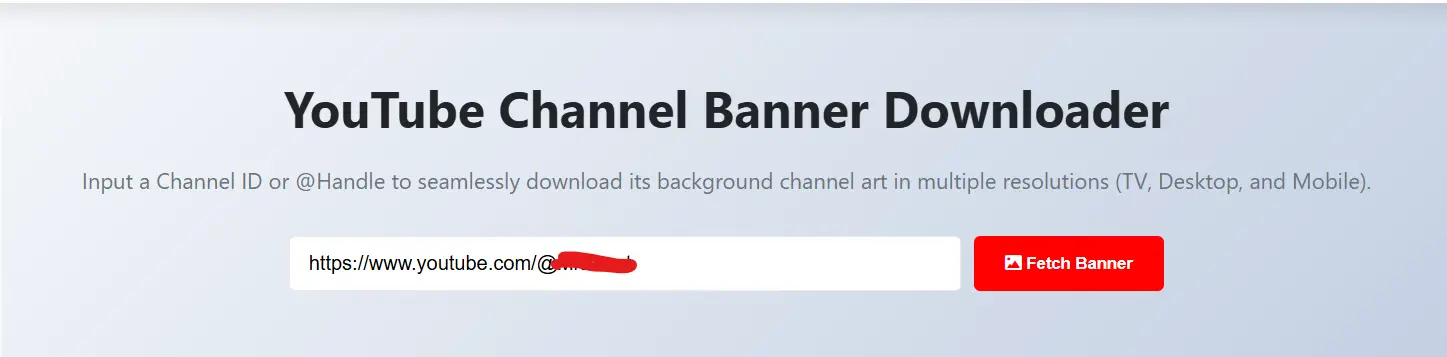
Scale your branding research with our YouTube Channel Banner Downloader. Input a Channel ID or @Handle to seamlessly download its background channel art in multiple resolutions (TV, Desktop and Mobile).
Why You Need a YouTube Channel Banner Downloader
Have you ever come across a YouTube channel that looked super? The branding was so great that you felt to subscribe even before watching a single video. That’s the undeniable magic of a fantastic banner. That’s the power of an amazing youtube channel banner. But when it’s your turn to create one, It's not easy to design amazing banner from blank canvas. That’s precisely where a YouTube Channel Banner Downloader steps in as your new best buddy.
Let's be honest getting the right size of a banner is not easy. You need to consider TV banner size, desktop cropping and ensuring that the text doesn't unexpectedly get trimmed on mobile devices. With a Channel Banner Downloader, you can download the artwork from leading creators in your field and observe precisely how they arrange their logos, calls-to-action and background components. It’s like getting a free masterclass in channel branding.
Why Use This Tool?
We created this YouTube Channel Banner Downloader to be super efficient and give you great quality results. You can save background images in different sizes like the full TV size (2560x1440), desktop and mobile versions. If you're doing a competitor analysis, coming up with a new channel look or just need some layout ideas this tool is the fastest way to get high-quality banner art right away.
How This Channel Banner Downloader Speeds Up Your Workflow
I used to take weird, cropped screenshots of competitor banners to try and figure out their design layout. It was messy, pixelated and honestly just a bad way to work.
Using our tool you can simply paste a channel link and can get high-resolution header image. Whether you're an emerging creator conducting competitive analysis or a freelance graphic designer seeking inspiration on Behance this significantly simplifies your workflow.
- You get to physically analyze where successful channels place their subscribe reminders.
- You can study their color grading and font choices without guessing.
- It helps you create a reliable template for your own safe zones.
How to Download You channel Banner?
Follow steps below to download channel banner.
- Copy the YouTube Channel URL or @Handle
- Paste it into the input box
- Choose the resolution you want
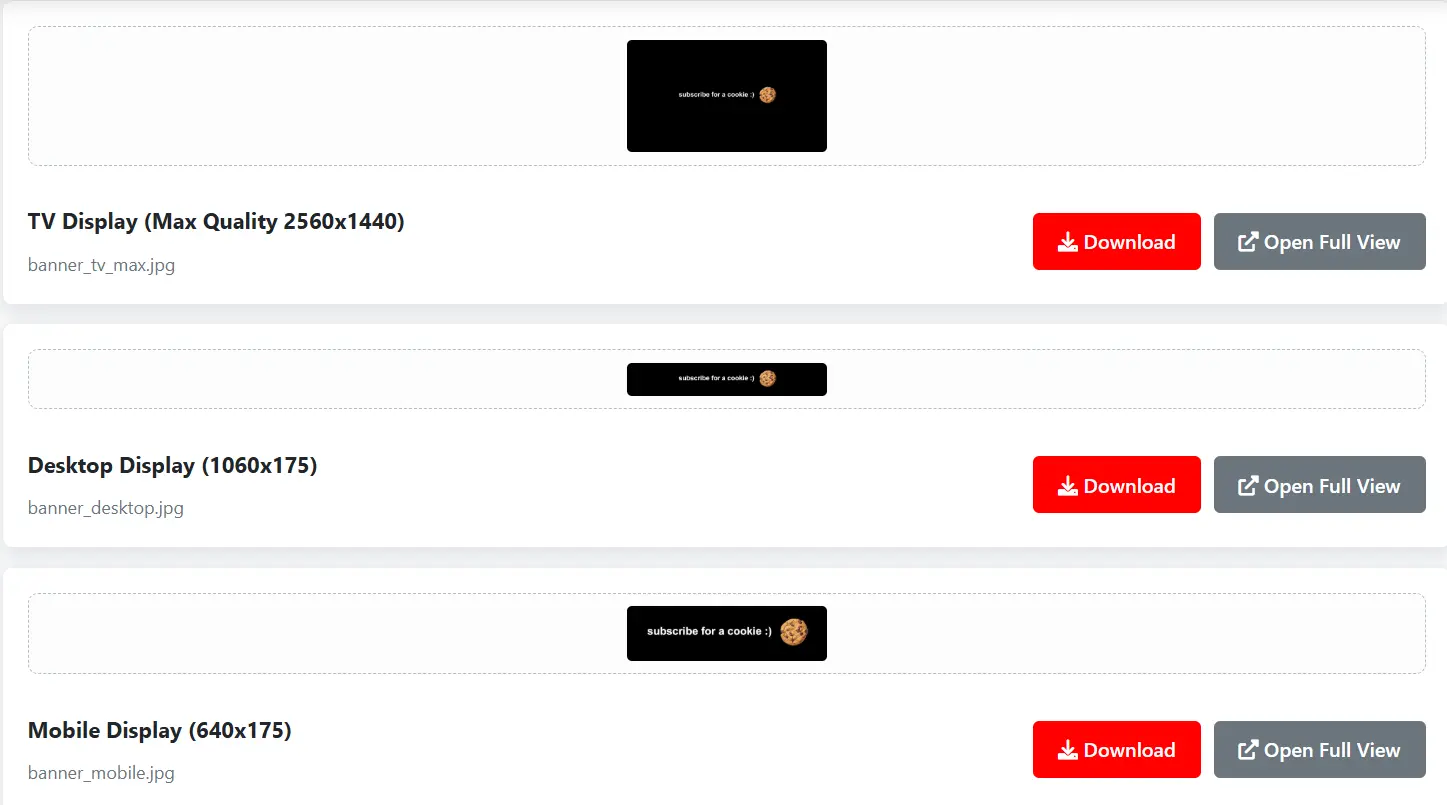
- Hit download
Visual Branding is Everything Today
visitors quickly assume the quality of your content by looking at your channel homepage. If your banner appears blurry or text is cut off due to poor mobile optimization, viewers will likely conclude that your videos quality will also be same. I've definitely clicked away from channels for way less.
A clear, visually stunning banner tells the audience exactly who you are, what you make and when you upload. It's your billboard. But remember, the banner is just one piece of the puzzle. It has to match the vibe of your profile picture. If you're studying a creator's entire visual identity, I highly recommend using our YouTube Channel Logo Downloader at the same time to see how they pair their avatar with their header.
Stop Designing in the Dark
You don't have to guess what works. Just look at the top five channels dominating your specific niche. Maybe they all use neon gradients or perhaps they lean into minimalist typography. A YouTube Channel Banner Downloader lets you collect these references cleanly and legally for personal inspiration.
Please don't just steal someone's banner art and put your name on it. That's a quick way to completely ruin your reputation.. Use the downloaded banners strictly as structural references. Open them up in your editing software, lower the opacity and use them as a guide to ensure your own original text and face stay perfectly within the mobile and desktop safe zones.
Completing Your Channel's Aesthetic
Once your homepage looks professional, you have to ensure your actual video packaging matches that high quality. Having a gorgeous banner but terrible video covers creates a jarring experience for the viewer. To keep your branding tight, you can analyze viral video covers using our YouTube Thumbnail Downloader.
And don't forget the backend! A good-looking channel needs to be searchable. For every video you publish needs proper description and title. Use the YouTube Description Generator.
Frequently Asked Questions
Yes, our tool is 100% free. You can download as many channel banners as you want without any hidden costs or registration required.
Yes, our tool fetches the raw uncompressed source file, including the full TV display size (2560x1440), ensuring you get the highest quality possible.
Yes! It works for any public YouTube channel. You can search by Channel Handle, URL or Channel ID.
Yes! While this tool is for banners, you can use our YouTube Channel Logo Downloader to save profile pictures in high definition.
No, there are no limits. You can fetch and download banners for any public YouTube channel as many times as you need.