Table of Contents
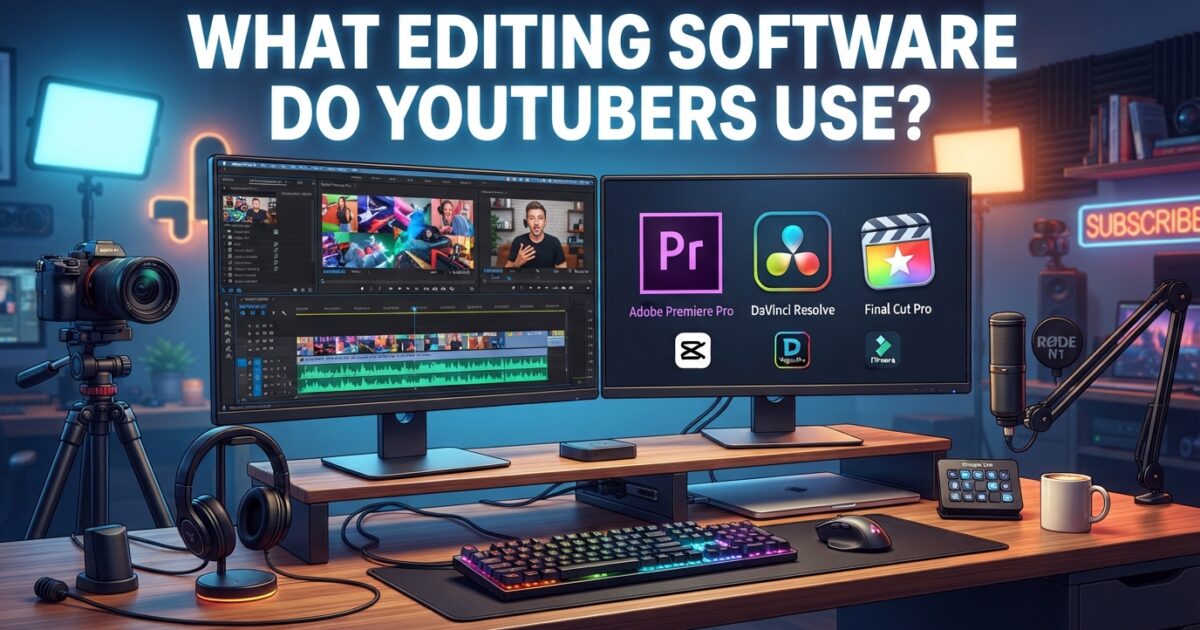
If you’re thinking about starting a YouTube channel, one question probably comes to mind pretty quickly: what editing software do YouTubers use?
The answer isn’t as simple as naming one program. Different creators use different tools depending on their budget, experience and the type of videos they make. Some creators rely on professional software like Adobe Premiere Pro and DaVinci Resolve, while others prefer beginner-friendly apps such as CapCut, iMovie or YouTube Create. Also read about use of advanced embedded in Youtube.
Today, creators also have access to AI-powered editing tools that can automatically generate captions, remove pauses, clean up audio and even turn long videos into Shorts.
In this guide, we’ll explore what video editing software do YouTubers use, which programs are most popular in 2026 and how to choose the best editor for your own content.
Why Video Editing Matters More Than Ever
Editing isn’t only about trimming clips and adding transitions. Many successful creators also study viewer feedback to improve future videos. Tools like our YouTube Comment Finder can help creators quickly search comments, discover common questions, and understand what viewers enjoy most before planning their next upload.
People often think expensive cameras are the secret to growing on YouTube.
In reality, editing usually matters more.
Good editing helps creators:
- Remove mistakes
- Keep videos moving quickly
- Add music and sound effects
- Improve audio quality
- Add subtitles
- Create engaging transitions
- Increase viewer retention
Even simple edits can make a huge difference.
A creator with average equipment but strong editing skills often performs better than someone using expensive gear with poor editing.
Many successful YouTubers spend several hours editing a single video because they know it helps keep viewers watching longer.
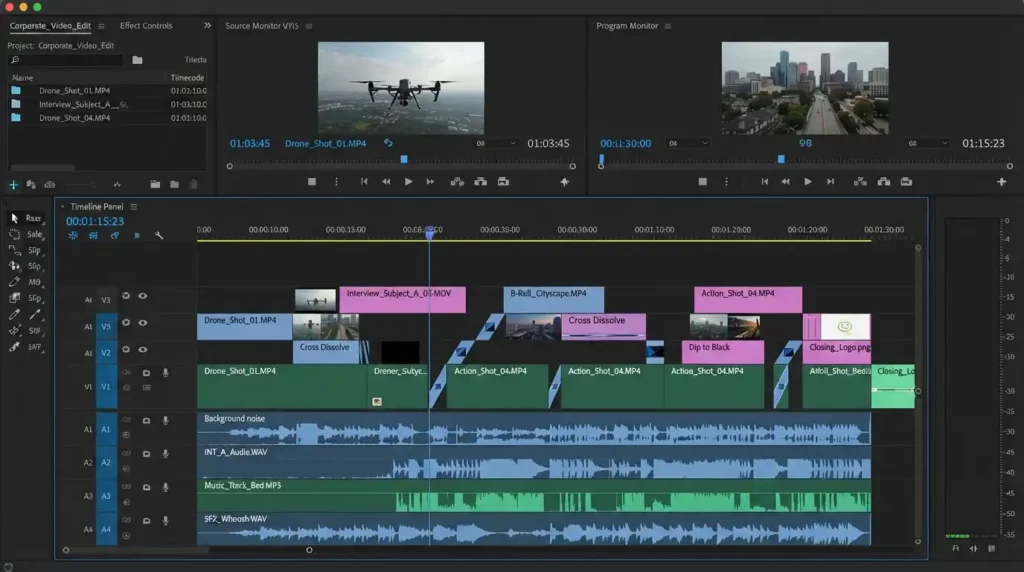
What Editing Software Do YouTubers Use Most?
If you ask ten YouTubers what software they use, you’ll probably get ten different answers.
Still, some programs appear over and over again.
The most popular options include:
- Adobe Premiere Pro
- Final Cut Pro
- DaVinci Resolve
- CapCut
- YouTube Create
- iMovie
- InShot
- Descript
- VEED
- PowerDirector
Some creators use only one editor.
Others combine several tools together.
For example, a creator might edit videos in Premiere Pro, create captions in Descript and use OpusClip to make Shorts.
Adobe Premiere Pro
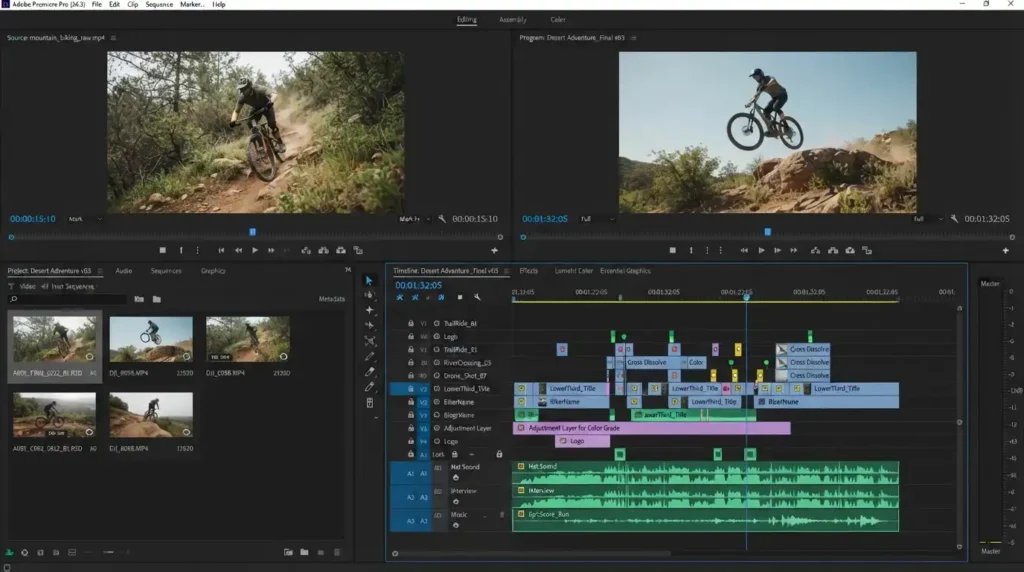
Adobe Premiere Pro is probably the software people think about first when discussing professional YouTube editing.
It has become an industry standard.
Many large YouTubers, agencies, businesses and production companies use it every day. Read about how you can export your channel data as CSV.
Premiere Pro offers advanced tools for:
- Multi-camera editing
- Motion graphics
- Audio enhancement
- Color grading
- High-quality exports
- Effects integration
One reason creators like Premiere is because it works well with other Adobe applications.
For example:
Photoshop helps with thumbnails.
After Effects adds animations.
Audition improves audio quality.
This ecosystem makes Premiere extremely powerful.
The downside is that beginners can feel overwhelmed because there are so many features.
Best For
Professional creators, vloggers, educators, businesses and long-form content creators.
Pricing
Starts around $22 per month.
Final Cut Pro
Final Cut Pro is Apple’s professional editing software.
Mac creators love it because it feels fast and smooth.
Its biggest advantage is optimization.
Because Apple designs both the software and hardware, Final Cut runs extremely efficiently on MacBooks and Mac Studios.
One feature many creators appreciate is the Magnetic Timeline.
Instead of clips getting mixed up or leaving gaps, Final Cut automatically adjusts the timeline while editing.
That saves time.
Another reason creators choose Final Cut is pricing.
Unlike Premiere Pro, it does not require a subscription.
You buy it once and own it forever.
Best For
Mac users, travel vloggers, filmmakers and creators producing cinematic videos.
Pricing
Approximately $299 one-time purchase.
DaVinci Resolve
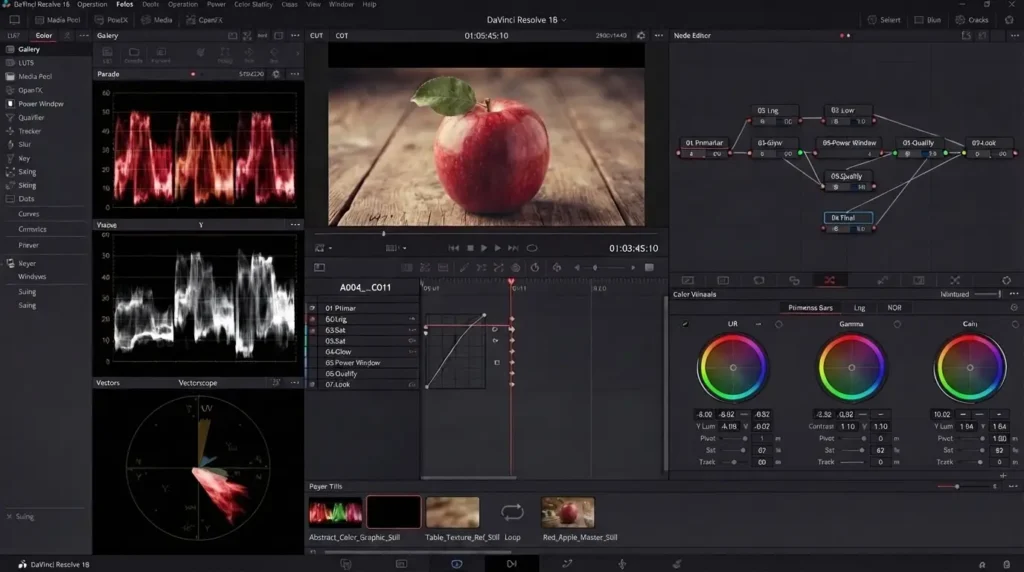
DaVinci Resolve has exploded in popularity over the last few years.
Many creators consider it the best free editing software available today.
Its free version includes tools that other companies charge monthly subscriptions for.
With Resolve, creators can:
- Edit videos
- Color grade footage
- Improve audio
- Add visual effects
- Export professionally
Even Hollywood productions use DaVinci Resolve for color correction.
The software does have a learning curve.
At first, it can feel intimidating.
But many creators say once they learn Resolve, they don’t want to switch back.
Best For
Advanced users, filmmakers, educational channels and creators who want professional tools without subscriptions.
Pricing
Free version available.
Studio version costs about $295.
CapCut Has Become a Favorite for Shorts Creators
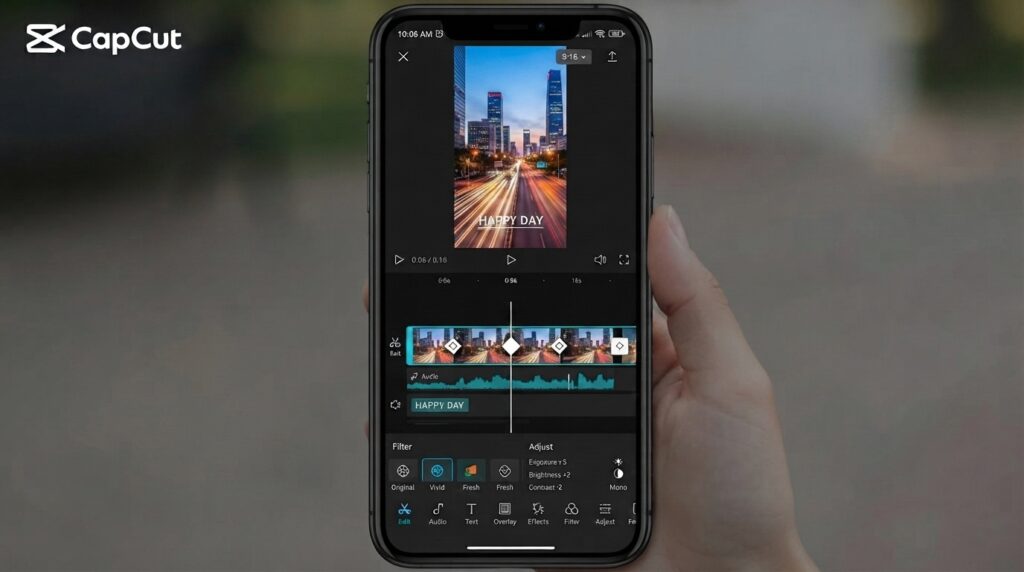
CapCut changed the editing game for many creators.
A few years ago, creators mainly edited on desktop computers.
Now, many edit directly on their phones.
CapCut became popular because it combines simplicity with powerful features.
Creators can quickly:
- Add captions
- Apply effects
- Use templates
- Insert transitions
- Generate subtitles
- Export vertical videos
It works especially well for YouTube Shorts.
Many Shorts creators upload multiple videos every day and CapCut helps speed up the process.
There is also a desktop version for creators who need additional control.
Best For
Shorts creators, beginners, influencers and mobile-first users.
Pricing
Free with optional Pro features.
iMovie
Many creators started their YouTube journey using iMovie.
If you’re a Mac user and don’t want to spend money, iMovie is one of the easiest places to begin.
The interface is simple.
You can trim clips, add titles, insert music and export videos with very little training.
Of course, it lacks some professional features.
But plenty of successful YouTubers learned editing through iMovie before moving to more advanced software.
Best For
Beginners using Apple devices.
Pricing
Free.
YouTube Create
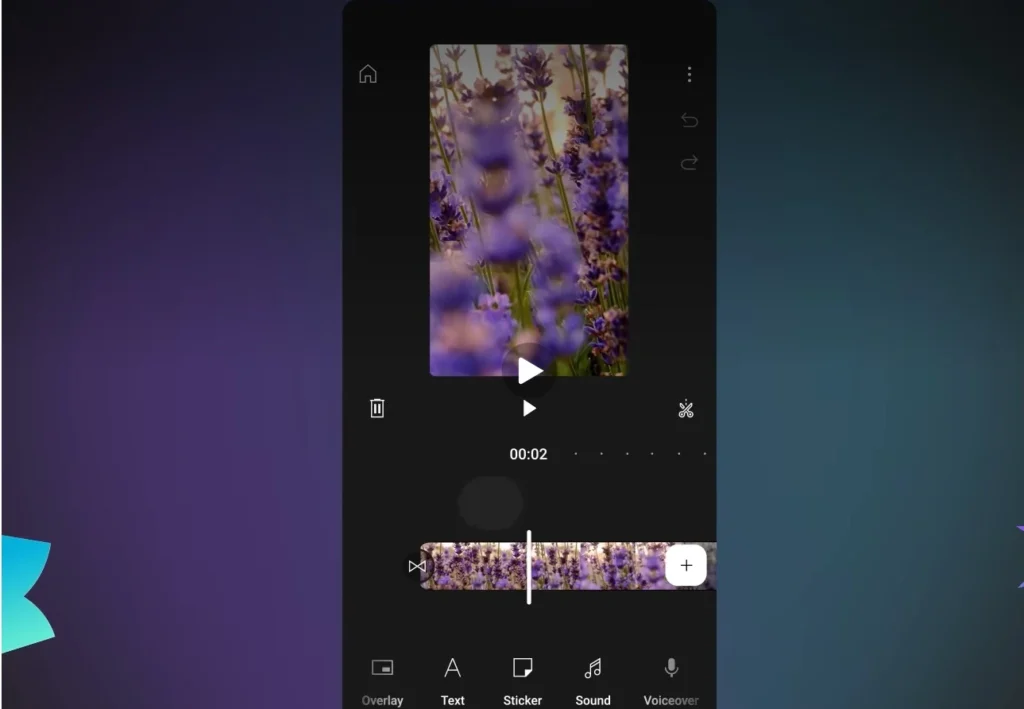
YouTube Create is Google’s own editing application.
It was designed specifically for YouTube creators.
The app focuses on making editing easier.
Features include:
- Royalty-free music
- Automatic captions
- Beat synchronization
- Effects
- Filters
- AI audio cleanup
Many creators making Shorts appreciate how closely it integrates with YouTube.
Publishing videos becomes much faster.
As YouTube continues improving the app, it may become an important tool for new creators.
Best For
Beginners, mobile editors and Shorts creators.
Pricing
Free.
InShot
InShot remains one of the most popular mobile editing apps.
Creators who publish videos across multiple platforms often prefer it because changing aspect ratios is incredibly easy.
With a few taps, creators can switch between:
- 16:9 for YouTube
- 9:16 for Shorts
- 1:1 for Instagram
InShot also supports:
- 4K exporting
- Text animations
- Music tracks
- Filters
- Transitions
For creators who need quick social media edits, InShot is a practical choice.
What Editing Software Do YouTubers Use for Gaming?
Gaming channels have different editing needs compared to vloggers.
Gaming videos are often longer.
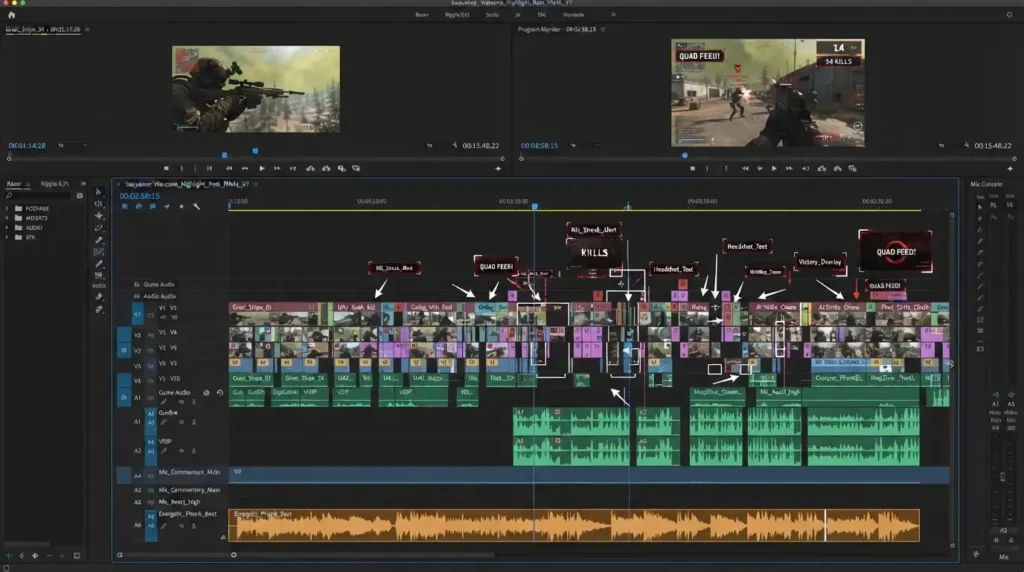
Creators record facecam footage, gameplay, sound effects and commentary separately.
That requires software capable of handling complex projects.
Popular choices include:
Adobe Premiere Pro
Widely used for highlight videos, montages and gameplay commentary.
DaVinci Resolve
Excellent for creators looking for advanced tools without paying monthly fees.
Final Cut Pro
A favorite among Mac gamers.
Vegas Pro
Although it is not as popular as it once was, many gaming creators still enjoy its straightforward timeline editing.
Most gaming YouTubers also combine editing software with recording tools like OBS Studio.
AI Editing Tools Are Changing YouTube
Video editing is evolving quickly.
More creators are now using AI-powered tools to speed up their workflow.
These tools don’t completely replace traditional editing software, but they can save hours of work every week.
AI tools are especially useful for educational channels, podcasts, interviews and talking-head videos.
Descript
Descript works differently from traditional editors.
Instead of editing clips manually, creators edit text.
The software creates a transcript of the video.
Deleting words from the transcript removes them from the video itself.
Descript also includes:
- Automatic transcription
- AI voice cloning
- Filler word removal
- Screen recording
- Caption generation
Many podcast creators rely on Descript because it significantly reduces editing time.
Best For
Podcasters, educators, coaches and business creators.
VEED
VEED is a browser-based editor.
You don’t need a powerful computer to use it.
It includes several AI features such as:
- Auto subtitles
- Background removal
- AI voiceovers
- Subtitle translation
- Text animations
Creators who publish content frequently often use VEED because it is fast and simple.
Best For
Beginners, marketers and social media creators.
OpusClip
OpusClip focuses on repurposing content.
Suppose you upload a 40-minute podcast.
OpusClip can automatically identify interesting moments and turn them into multiple Shorts.
Features include:
- AI clip selection
- Automatic captions
- Speaker tracking
- Reframing videos
- Viral score predictions
This has become a popular workflow among creators trying to grow through Shorts.
Adobe Premiere Pro AI Features
Even traditional software now includes AI tools.
Adobe Premiere Pro offers features such as:
- Text-based editing
- Speech enhancement
- Automatic transcription
- Scene detection
- Auto Reframe
- Generative Extend
These features help creators edit faster while maintaining professional quality.
CapCut AI Features
CapCut has also embraced AI.
Creators can now use:
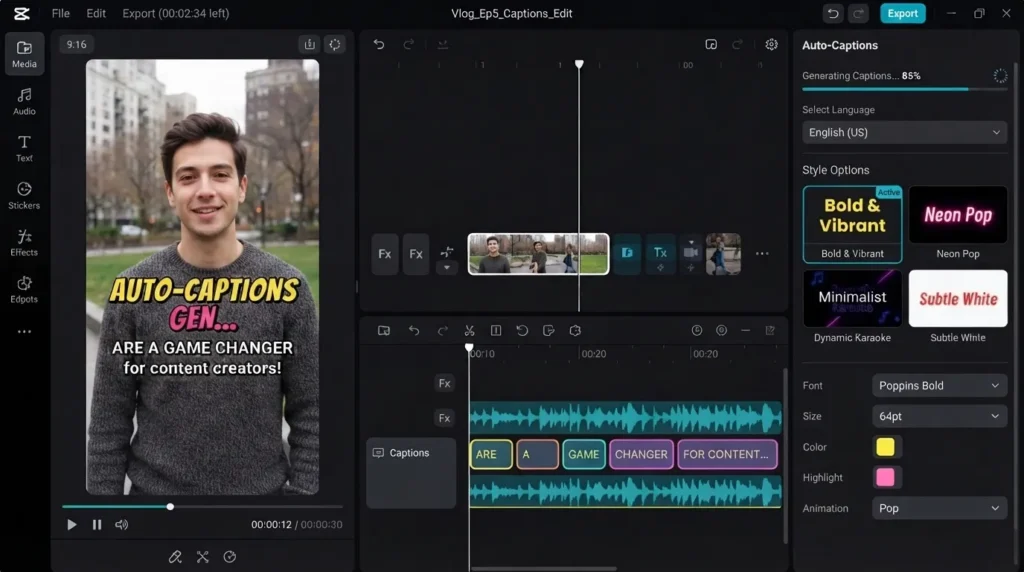
- Auto captions
- AI avatars
- Text-to-speech
- Voice generation
- Background removal
- Script generation
These additions make CapCut much more powerful than it was a few years ago.
Free Video Editing Software for YouTube
Not everyone wants to spend money right away.
Fortunately, there are several excellent free options available.
DaVinci Resolve remains one of the strongest choices.
CapCut provides many useful features without requiring payment.
iMovie comes free on Apple devices.
OpenShot is a solid open-source alternative.
Windows users can also explore Clipchamp.
These programs are more than enough for many beginner channels.
What Editing Software Do Most YouTubers Use?
The answer depends on the creator’s style.
Professional creators often choose:
- Adobe Premiere Pro
- Final Cut Pro
- DaVinci Resolve
Short-form creators commonly use:
- CapCut
- InShot
- YouTube Create
Podcast creators increasingly rely on:
- Descript
- VEED
- OpusClip
Beginners usually start with:
- iMovie
- CapCut
- DaVinci Resolve Free
There isn’t a single “best” editor.
The best software is the one that matches your workflow and helps you create videos consistently.
Final Thoughts
So, what editing software do YouTubers use?
The truth is that creators use many different tools.
Professional YouTubers often rely on Adobe Premiere Pro, Final Cut Pro or DaVinci Resolve because they provide advanced editing capabilities.
Creators focused on Shorts usually prefer CapCut, InShot and YouTube Create because they make mobile editing much easier.
Meanwhile, AI-powered tools like Descript, VEED and OpusClip are helping creators save time by automating repetitive tasks.
If you’re just getting started, don’t worry too much about choosing the perfect editor.
Many successful YouTubers began with free software and upgraded later.
The most important thing is learning how to tell a story, keep viewers engaged and publish consistently.
The software simply helps bring those ideas to life.
FAQs
What editing software do YouTubers use?
Most YouTubers use Adobe Premiere Pro, DaVinci Resolve, Final Cut Pro, CapCut, iMovie, and YouTube Create depending on their content style, experience level, and budget.
What video editing software do YouTubers use for beginners?
Beginners often start with CapCut, iMovie, YouTube Create, or the free version of DaVinci Resolve because these tools are easy to learn and offer useful editing features.
What editing software do most YouTubers use?
Adobe Premiere Pro is widely considered one of the most popular editing tools among professional YouTubers, while DaVinci Resolve has become increasingly popular because of its powerful free version.
What editing software do YouTubers use for gaming?
Gaming creators commonly use Adobe Premiere Pro, DaVinci Resolve, Final Cut Pro, and Vegas Pro because these programs can handle long recordings, facecam footage, and multiple audio tracks efficiently.
Is CapCut good for YouTube videos?
Yes. CapCut is a popular choice for YouTube Shorts and social media content because it includes templates, auto-captions, effects, and AI-powered editing tools.
Do professional YouTubers use DaVinci Resolve?
Yes. Many professional creators and filmmakers use DaVinci Resolve because it offers advanced editing, color grading, visual effects, and audio tools in a single application.