YouTube Shorts Thumbnail Downloader
Unlock full-resolution vertical thumbnails with our YouTube Shorts Thumbnail Downloader. Paste any Shorts link to quickly extract and save high-quality cover images for your research or inspiration.
Shorts are everywhere right now. And if you've ever tried to save a thumbnail from one, you already know it's not as straightforward as it should be. Regular YouTube Shorts Thumbnail Downloader tools often miss Shorts entirely or give you some low quality cropped version that's basically useless.
This tool actually handles shorts properly. Paste the link, get the thumbnail and pick your size. That's the whole process.
Why You need YT Shorts thumbnail downloader
More reasons than you'd think. Maybe you're a content creator and want to keep an eye on what's working in your niche. Maybe you're a designer who needs reference images. Or maybe you just want to see how a specific Short looks as a standalone image or design inspiration. Whatever the reason, grabbing the original thumbnail beats screenshotting every single time.
No weird cropping. No blurry edges. Just the clean, original image.
How to Use YouTube Shorts Thumbnail Downloader
It only takes a few seconds to get the thumbnail you need:
- Copy the URL of the YouTube Short (or any standard YouTube video).
- Paste the link into the search box at the top of this page.
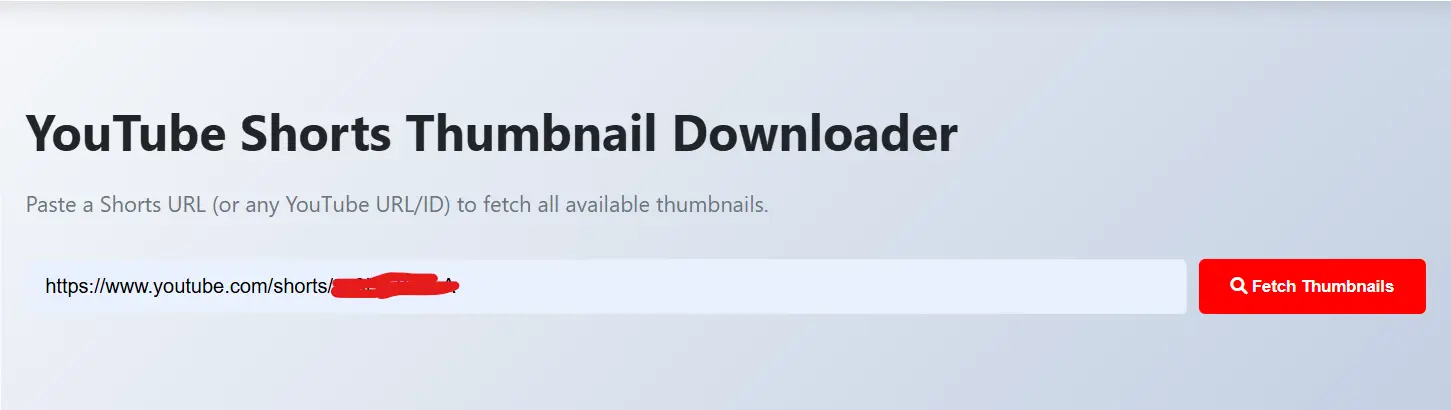
- Hit the "Fetch Thumbnails" button.
- Browse the available resolutions and click "Download" on the one that fits your project.
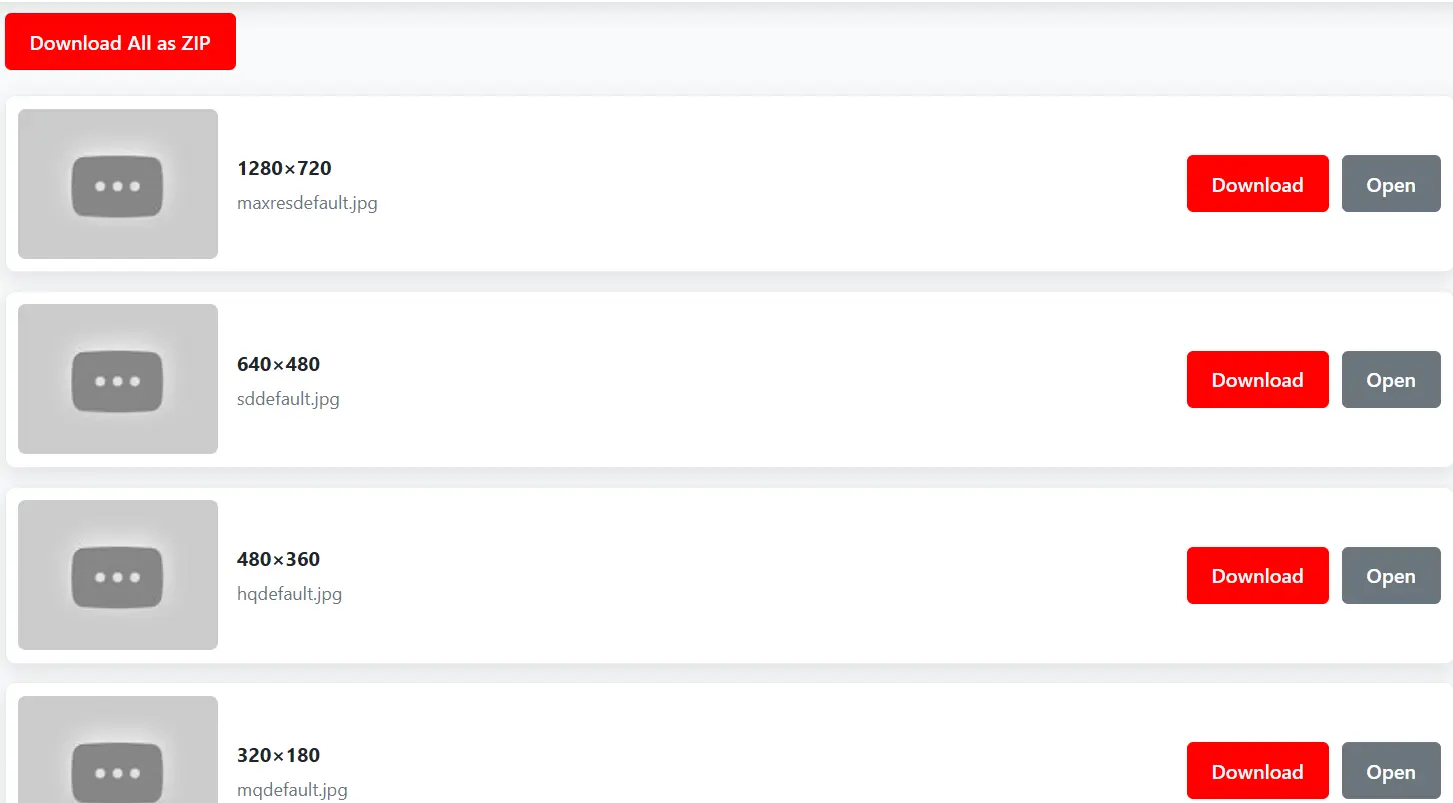
On the desktop it saves straight to your downloads folder. On Android you might need to save it manually to your gallery. iPhone users may run into some trouble due to how iOS handles file downloads, a bit of an annoying limitation but nothing you can't work around.
What Sizes Can You Download?
You get a few options depending on what the Short has available:
- Full HD (1080p): best quality, use this if you can
- HD (720p): still solid, slightly smaller file
- Standard quality: decent for most uses
- Small preview size: handy when you just need a quick reference
Not every Short will have all sizes available. It depends on what was uploaded originally.
Is It Okay to Download These Thumbnails?
For personal use, research or inspiration yes, no problem at all. You can’t use these thumbnail images directly in your own content on your website, video or for any commercial purposes. Those images belong to the creator who made them.
A good and safe approach is to use them for reference, get permission before reposting and don't pass someone else's work off as your own. Pretty basic stuff but worth saying. If you need standard horizontal thumbnails, check out our YouTube Thumbnail Downloader.
What About SEO — Can I Use These on My Website?
Not directly. Google already crawled and indexed those images and using these images directly to your website without any changes can be flagged as duplicate content.
But if you tweak it a little, add some text, change the layout, rename the file with proper keywords, add alt text it becomes a different image in Google's eyes. Small effort, much better result. To track interactions on your own videos easily, give our Youtube Comment Finder a try.
Frequently Asked Questions
Yes, our tool is 100% free. You can download as many Shorts thumbnails as you want without any hidden costs or registration required.
You can download the original quality uploaded by the creator, which is often 1280x720 (HD) or even higher if the video supports 4K quality.
Yes! While this page is optimized for Shorts, you can also use our specialized YouTube Thumbnail Downloader for standard videos.
Absolutely. Our website is fully responsive and works perfectly on Android and iOS devices. Simply paste the link and save the image to your gallery.
No, there are no limits. You can fetch and download thumbnails for any public YouTube Shorts as many times as you need.